ICO Unpacker
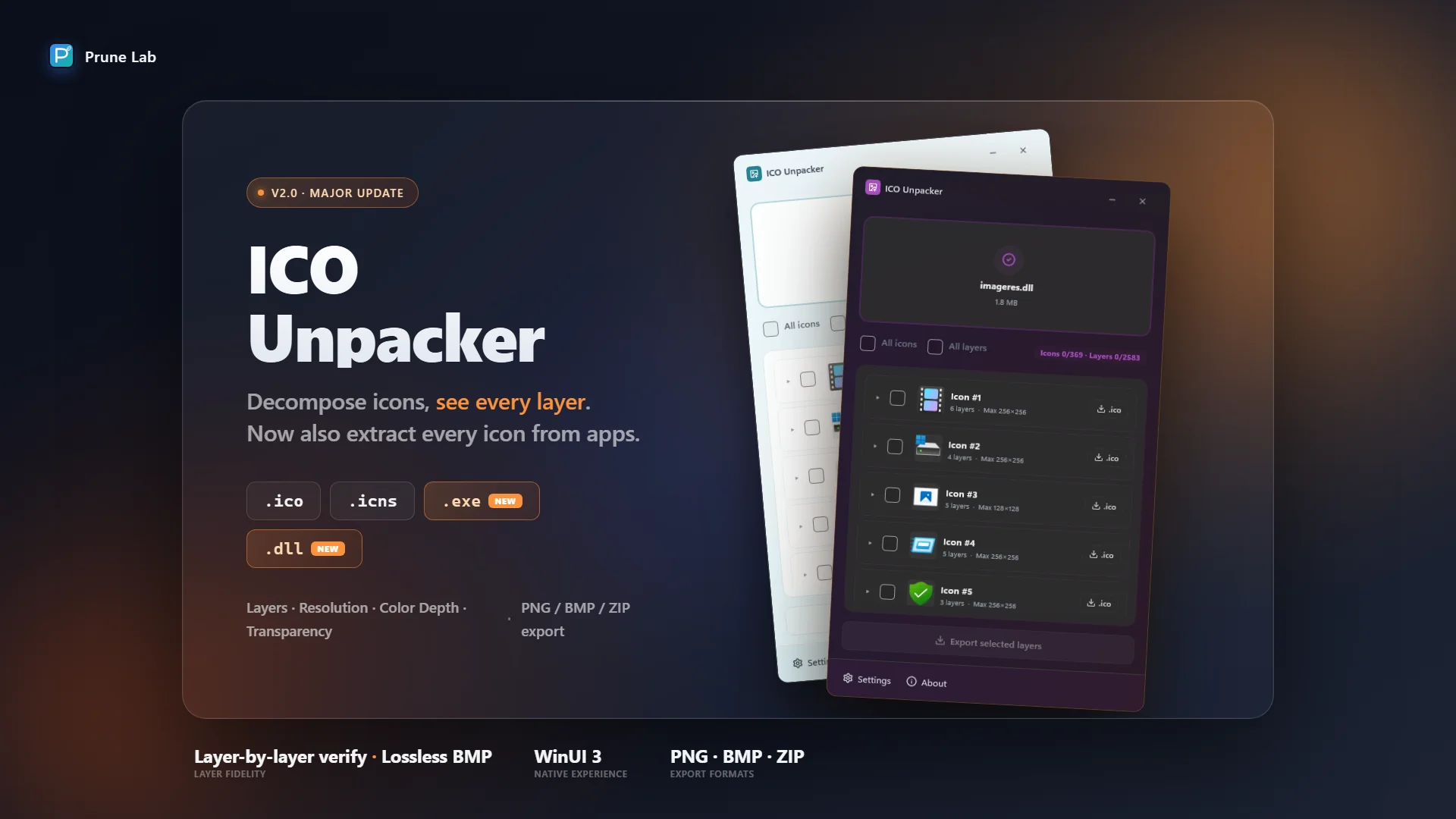
Decompose icons, see every layer
Drop in a .ico, .icns, .exe, or .dll to view all embedded resolution layers and export as PNG, BMP, or ZIP. A lightweight WinUI 3 desktop tool that handles BMP color depth and Alpha masks correctly.
Your ICO Files May Be Silently Corrupted
Many ICO converters silently corrupt your icons when handling BMP-format layers — losing color depth, mangling Alpha masks, and more. On the surface, the 256x256 PNG layer looks fine, but the underlying BMP may already be damaged without you ever noticing.
ICO Unpacker is a native Windows desktop tool for decomposing icon files and extracting icons from applications. Drag in a .ico file to view all embedded resolution layers (16x16 to 256x256), parse macOS .icns files the same way, and export them as PNG or retain the original BMP format with a single click. As of 2.0, it also extracts every icon embedded inside .exe and .dll binaries — perfect for recovering app icons, digging into system resources, or pulling assets from legacy software. It correctly handles BMP color depth and Alpha masks, verifying each layer's integrity before exporting, so you can publish with confidence.

🌐 Prefer a browser version?
No install needed — try the online ICO Unpacker. Drop a .ico file and extract every resolution layer as PNG or BMP, right in your browser.
🚀 Features
- Instant Decomposition Drop in a .ico, .icns, .exe, or .dll file for instant parsing — all resolution layers at a glance. No configuration needed, ready to use out of the box.
- Application Icon Extraction Pull every icon resource out of .exe and .dll binaries — including all resolution layers from each icon group. Preview before exporting, then save individual layers or bulk-export everything to a ZIP.
- Layer-by-Layer Preview Each layer independently displays resolution, color depth, file size, and other details to help you quickly spot issues.
- Lossless BMP Export Correctly handles BMP color depth and Alpha masks to prevent silent corruption. Supports exporting as PNG or retaining the original BMP format.
- ICNS Support Parse macOS .icns icons, preview all layers, and export them as PNG.
- Bulk ZIP Export Select multiple icons or layers and export them all to a single ZIP in one click — ideal for pulling every asset out of an .exe or .dll.
- Native Windows Experience Built on WinUI 3, seamlessly adapting to Windows light and dark themes, automatically following system settings.
🛡️ 100% Offline & Secure
ICO Unpacker runs entirely locally with no internet access and zero telemetry. Your icon files never leave your machine.
For more details, please review our Privacy Policy and Terms of Use.
📦 How to Use
- Launch ICO Unpacker and drag in a .ico, .icns, .exe, or .dll file.
- Browse all embedded resolution layers with details — resolution, color depth, format, and file size. For .exe and .dll files, each icon group and its layers are listed separately.
- Select layers or icon groups and export as PNG, retain the original BMP format, or bulk-export everything to a ZIP.
🤝 Support & Feedback
ICO Unpacker is free to use with an optional Pro upgrade that unlocks .icns layer export and .exe / .dll icon extraction (with a 7-day free trial). If you find it useful, a positive review on the Microsoft Store would be greatly appreciated!
🛠️ Bug Reports & Feature Requests
- 🐛 Report a Bug: Found something wrong? Let us know!
- ✨ Suggest a Feature: Have an idea to make the app better? We'd love to hear it.